folio
folio

 ONE POST, EVERY CHANNEL
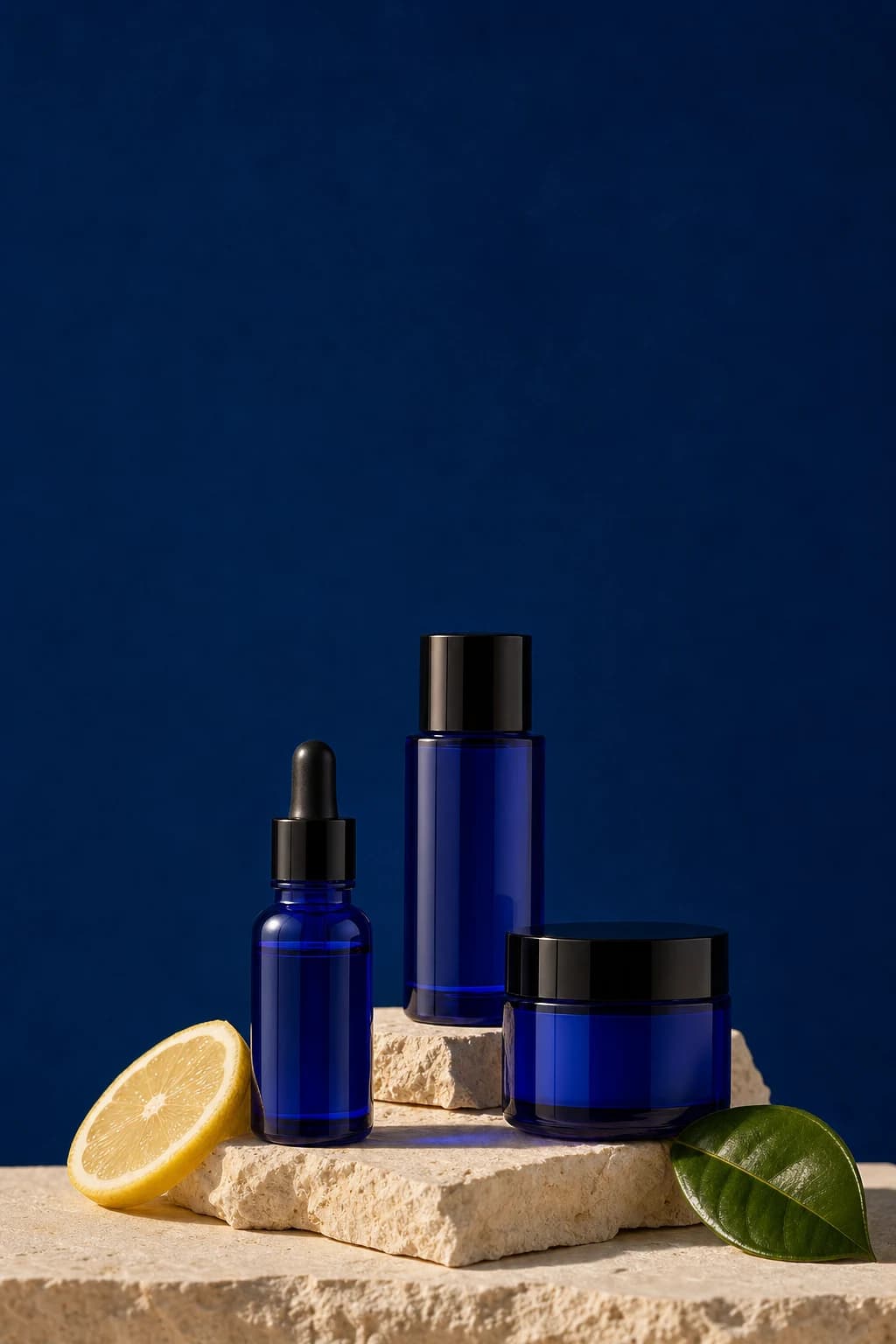 1:11080 × 1080
A slower start. A little care. Our new serum is made in small batches, with nothing you do not need. Make room for a morning ritual that feels like you.
Write or approve one post. Folio makes a version for each channel you use: the right caption length, the right hashtags, and the image in the shape that feed prefers.
Enter your website to see your first posts in minutes. No card needed to start.
1:11080 × 1080A slower start. A little care. Our new serum is made in small batches, with nothing you do not need. Make room for a morning ritual that feels like you.
The limits and sizes Folio follows when it prepares each version. You never have to look them up.
| Channel | Caption room | Hashtags | Image |
|---|---|---|---|
| InstagramLinks left out | 2,200 characters | On, up to 30 | 1:11080 × 1080 px |
| Instagram StoriesFull screen | 2,200 characters | Up to 10 | 9:161080 × 1920 px |
| FacebookLinks kept | 63,206 characters | Off, up to 10 | 1:11080 × 1080 px |
| Facebook StoriesFull screen | 63,206 characters | Up to 10 | 9:161080 × 1920 px |
| ThreadsShort version | 500 characters | Up to 1 | 4:51080 × 1350 px |
| LinkedInTall image | 3,000 characters | Off, up to 5 | 4:51080 × 1350 px |
| PinterestShort version | 500 characters | Off, up to 20 | 2:31000 × 1500 px |
| TikTokFull screen | 2,200 characters | On, up to 20 | 9:161080 × 1920 px |
| BlueskyShort version | 300 characters | Off, up to 8 | 1:11080 × 1080 px |
When a caption is too long for a channel, Folio ends it at a full sentence. Bluesky and Pinterest get a short version written for them, so the idea still lands.
On for Instagram and TikTok, off elsewhere, and one switch per channel. They never take more than 40 percent of the caption.
Instagram captions leave links out, because they cannot be clicked there. Every other channel keeps them.
Change the LinkedIn caption by hand and it stays yours. The other channels keep following the main caption.
Folio prepares a copy of your image in each channel's shape. Small changes are cropped around the most interesting part. Big changes get a soft blurred frame, so nothing important is cut off.
Stories and TikTok get a 9:16 image, 1080 by 1920 pixels.
Pins get a 2:3 image, 1000 by 1500 pixels, the shape the feed favors.
The post keeps its original image, and every channel copy follows it when you change it.
Folio checks each version against its channel's caption and hashtag limits before you can approve it.
Open a post and switch between its channel versions to read and edit each one.
Export a campaign as a ZIP with its captions and images whenever you like.
Instagram, Instagram Stories, Facebook, Facebook Stories, Threads, LinkedIn, Pinterest, TikTok, and Bluesky. You choose the channels each brand uses in its posting plan.
No. You write or approve one main caption and Folio makes each channel's version from it. You can still change any version by hand.
Folio ends it at the last full sentence that fits. Bluesky and Pinterest get the short version instead. A word is never cut in half.
Links in Instagram captions cannot be clicked, so Folio leaves them out there. Every other channel keeps the link.
Hashtags are on for Instagram and TikTok and off elsewhere by default. Switch them per channel. Folio keeps them inside each channel's limit and under 40 percent of the caption.
1080 by 1080 pixels for square posts, 1080 by 1350 for 4:5, 1080 by 1920 for Stories and TikTok, 1000 by 1500 for Pinterest, and 1200 by 628 for wide images.
No. Folio makes single-image posts with captions, fitted to each channel.
Enter your website and see your first posts fitted to each channel.
Enter your website to see your first posts in minutes. No card needed to start.