folio
folio

 PINTEREST
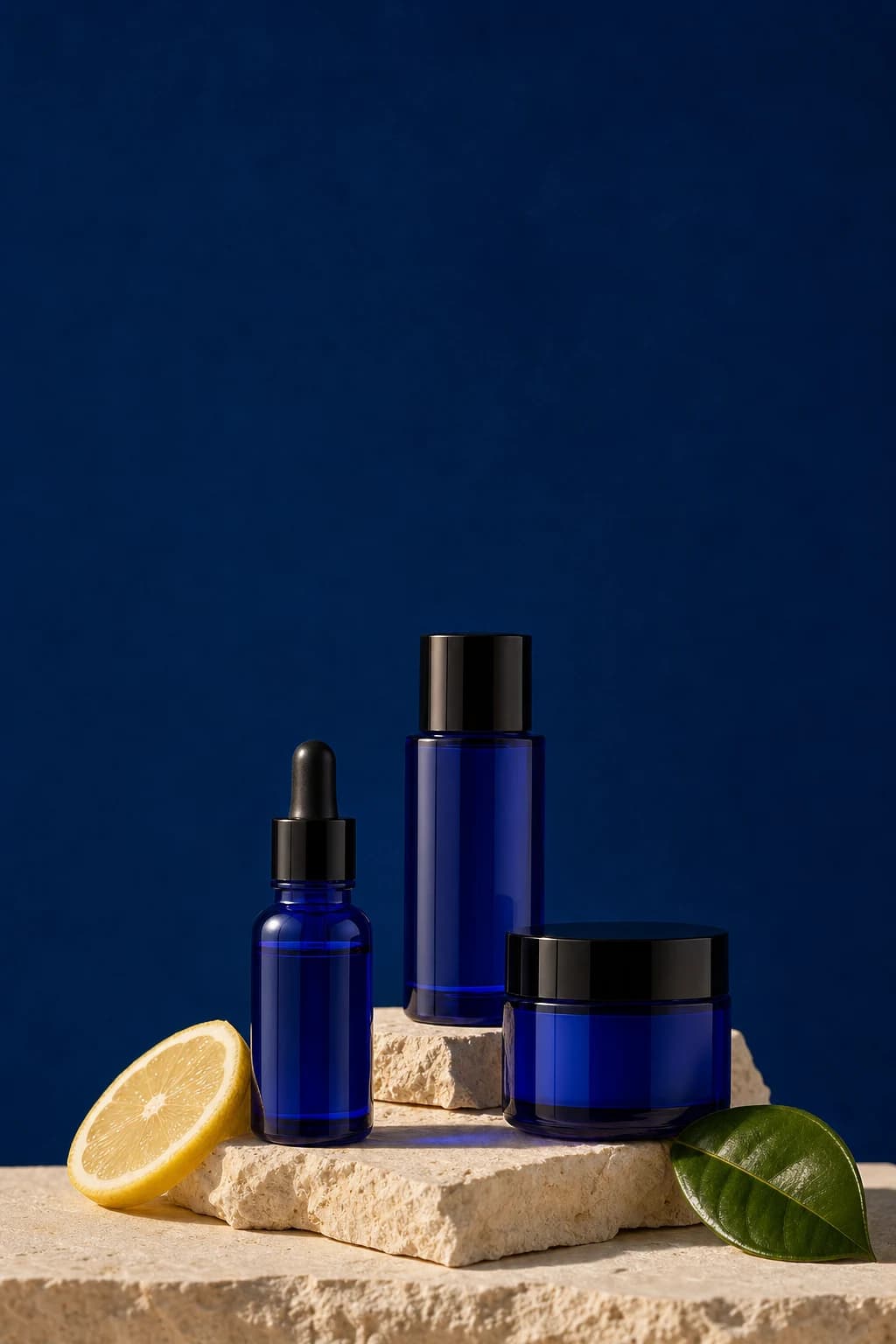 2:31000 × 1500
Morning skincare, slowly: cobalt serum bottles on warm stone. Simple steps for a calmer routine.
Pinterest is where people plan what to buy and try next. Folio makes pins for it: a tall image, a short description that says what it is, and the board you pick.
Enter your website to see your first posts in minutes. No card needed to start.
Pin descriptions have 500 characters. When the main caption runs longer, Folio uses the short version written for the post instead of cutting the long one.
Switch them on for any pin, up to 20.
A pin can send people back to your site.
Pick the board Folio pins to when you connect Pinterest.
Folio prepares a 2:3 pin at 1000 by 1500 pixels, cropped around the most interesting part of the image. A square pin also works when you prefer it.
Mark your product photos and Folio uses them before it creates anything new.
Going from square to tall loses little, so Folio crops around the subject.
The post keeps one original, and each channel gets its own copy in the right shape.
Sign in with Pinterest and choose the board for your pins.
Swipe through the Pinterest versions, polish any description, and approve.
Approved pins go out at your Pinterest slots, in your timezone.
Folio uses 1000 by 1500 pixels in the 2:3 shape. A 1080 by 1080 square also works.
Up to 500 characters. Folio uses the short version of each post when the main caption runs longer.
Folio turns hashtags off for Pinterest by default. You can switch them on for any pin, up to 20.
Yes. Links stay on Pinterest, so a pin can send people back to your site.
The board you choose when you connect Pinterest.
New plans start on Monday, Wednesday, and Friday at 20:00. On the Studio plan, Folio suggests better times once 20 of your pins have been measured.
Every idea gets its own version for each channel you use.
Enter your website and see your first pins in minutes.
Enter your website to see your first posts in minutes. No card needed to start.

 How posts fit each channel